

PostgreSQL After Many Years with MySQL: What Surprised M
Sorry for my English! English is not my native language. One of the reasons to create this blog is to improve my English writing. So I will be highly obliged if you will help me with this. If you find a grammar error on this page, please select it with your mouse and press Ctrl+Enter.
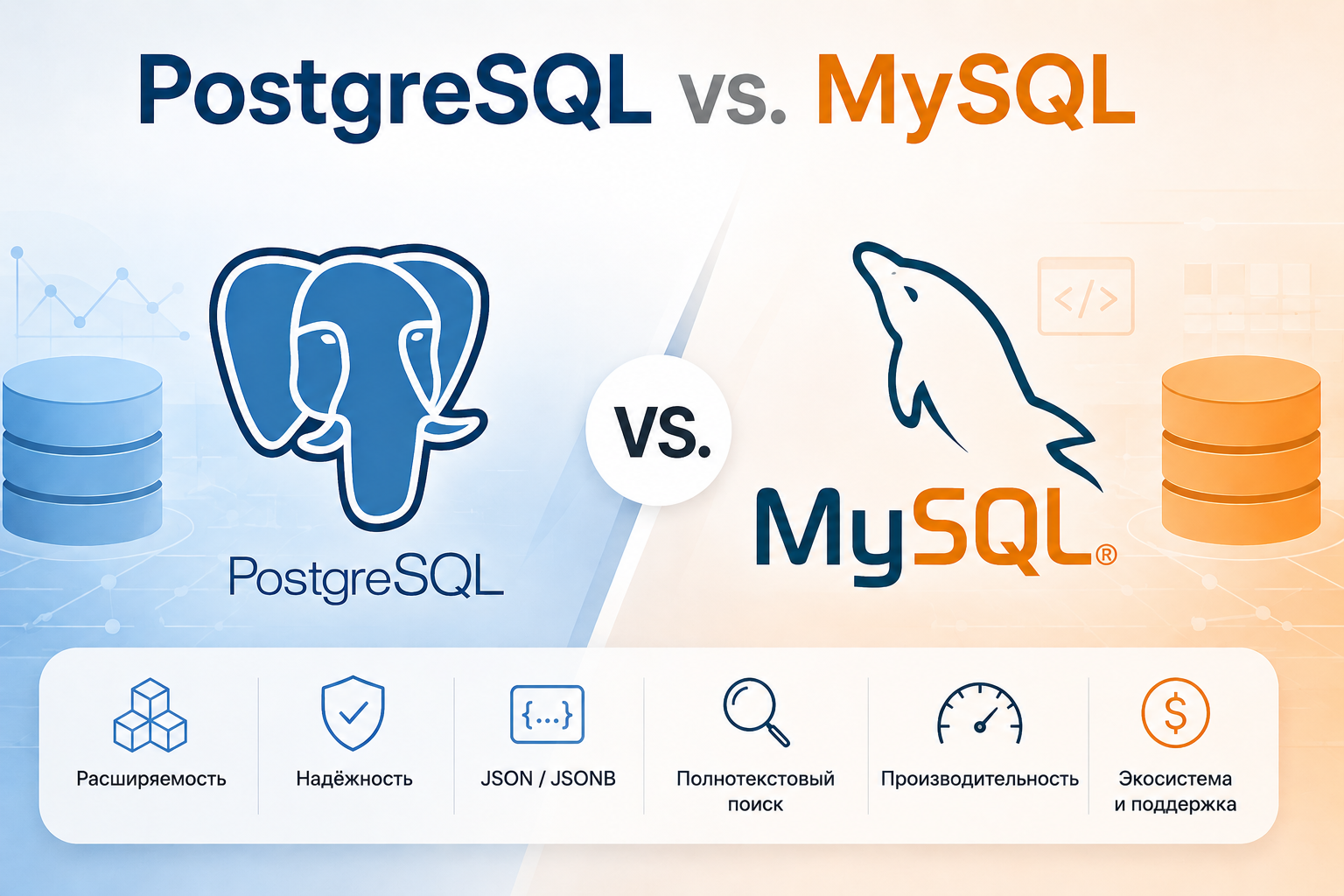
For the last several years, MySQL has been my primary database.
PostgreSQL came up from time to time, but I never had a real reason to dive deeply into it.
That changed when I started working on a new project — an AI assistant. The project required PostgreSQL, JSONB, Full-Text Search, and, most importantly, pgvector for vector search.
After spending some time working with PostgreSQL more seriously, I realized that it is not just “another SQL database that is more or less like MySQL”.
The basic SQL syntax is familiar, of course. But the philosophy and the number of built-in capabilities are quite different.
I wouldn't say that PostgreSQL is simply better than MySQL. But for applications where the database needs to do more than just store data and handle CRUD operations, PostgreSQL is becoming much more interesting to me.
1. A much richer set of built-in features
One of the first things I noticed is how many different data types and features PostgreSQL provides.
Besides the usual:
INTEGER
VARCHAR
TEXT
DATE
TIMESTAMP
there are also:
arrays;
JSONB;
range types;
UUID;
geometric types;
Full-Text Search;
custom types;
extensions.
For example, an array can be stored directly in a column:
CREATE TABLE users (
    id BIGSERIAL PRIMARY KEY,
    name TEXT,
    roles TEXT[]
);
And then:
INSERT INTO users (name, roles)
VALUES ('John', ARRAY['admin', 'manager']);
Of course, arrays don't replace proper relational modeling. But for certain use cases, they can be very convenient.
2. JSONB is one of the most interesting features
I had already worked with JSON in MySQL, but JSONB in PostgreSQL feels like a much more powerful tool.
For example, a product can have dynamic attributes:
CREATE TABLE products (
    id BIGSERIAL PRIMARY KEY,
    name TEXT,
    attributes JSONB
);
We can insert:
INSERT INTO products (name, attributes)
VALUES (
    'MacBook Pro',
    '{
        "brand": "Apple",
        "ram": 32,
        "storage": "1TB",
        "cpu": "M4"
    }'
);
Now we can access individual values directly:
SELECT attributes->>'cpu'
FROM products;
The result is:
M4
We can also search inside the JSON document:
SELECT *
FROM products
WHERE attributes @> '{"brand": "Apple"}';
And for larger datasets, we can create a GIN index:
CREATE INDEX idx_products_attributes
ON products
USING GIN (attributes);
This is particularly useful for my AI project, where product attributes can vary between different stores.
3. Full-Text Search
Another feature that caught my attention is PostgreSQL's built-in Full-Text Search.
Text can be converted into a tsvector:
SELECT to_tsvector(
    'simple',
    'Apple MacBook Pro with M4 processor'
);
A user query can be converted into a tsquery:
SELECT to_tsquery(
    'simple',
    'MacBook & M4'
);
And then we can use the @@ operator:
SELECT *
FROM products
WHERE search_vector @@ to_tsquery('simple', 'MacBook & M4');
A GIN index can be added as well:
CREATE INDEX idx_products_search
ON products
USING GIN (search_vector);
This gives us a proper full-text search engine directly inside PostgreSQL.
For an AI project, this becomes even more interesting because traditional text search can be combined with vector search.
4. And then I discovered pgvector
This is where PostgreSQL really stopped looking like just a traditional SQL database to me.
With the pgvector extension, we can store embeddings directly in PostgreSQL:
CREATE EXTENSION vector;
For example:
CREATE TABLE documents (
    id BIGSERIAL PRIMARY KEY,
    content TEXT,
    embedding vector(1536)
);
We can then search for semantically similar documents:
SELECT id, content
FROM documents
ORDER BY embedding <=> :query_embedding
LIMIT 10;
Here, <=> represents cosine distance.
In other words, PostgreSQL can be used not only for traditional relational queries, but also as a vector database.
For my AI assistant, this is one of the main reasons I started learning PostgreSQL seriously.
5. Indexes are much more interesting than I expected
With MySQL, the B-Tree index is probably the index type I have used most often.
PostgreSQL provides a much broader set of indexing options.
For example, we can create a partial index:
CREATE INDEX idx_active_products
ON products (tenant_id)
WHERE status = 'active';
The index will contain only active products.
We can also create an index based on an expression:
CREATE INDEX idx_products_lower_name
ON products (LOWER(name));
Then a query like this:
SELECT *
FROM products
WHERE LOWER(name) = 'iphone';
can use that index.
PostgreSQL also provides:
B-Tree;
GIN;
GiST;
BRIN;
Hash;
HNSW;
IVFFlat.
The last two are particularly interesting when working with pgvector.
The important thing for me is that an index in PostgreSQL is not just “an index on a column”. It is a tool that can be chosen according to the type of data and the type of query.
6. RETURNING is a small but very useful feature
Another small feature I really like is RETURNING.
For example:
INSERT INTO products (name, price)
VALUES ('MacBook Pro', 1999)
RETURNING id;
The database immediately returns the ID of the newly created record.
The same approach works with UPDATE and DELETE:
UPDATE products
SET price = 1899
WHERE id = 10
RETURNING id, price;
This means we can get the affected data directly from the SQL statement without running another SELECT.
It is a small thing, but once you get used to it, it is hard not to miss it elsewhere.
7. CTEs and window functions
PostgreSQL is also very comfortable when it comes to more advanced SQL queries.
For example, a CTE:
WITH expensive_products AS (
    SELECT *
    FROM products
    WHERE price > 1000
)
SELECT *
FROM expensive_products;
Or a window function:
SELECT
    name,
    price,
    ROW_NUMBER() OVER (
        ORDER BY price DESC
    ) AS position
FROM products;
To be fair, modern MySQL supports CTEs and window functions too.
But while working with PostgreSQL, I get the feeling that the database is designed with the assumption that developers will actually use SQL as a powerful data-processing language rather than just as a way to implement simple CRUD operations.
8. PostgreSQL feels more like a platform
This is probably the biggest difference I've noticed so far.
PostgreSQL can be extended at the database level.
For example:
CREATE EXTENSION vector;
And suddenly the database gets a new data type and new capabilities.
There are extensions for different use cases: geospatial data, full-text search, vectors, and many others.
This creates a pretty interesting model:
PostgreSQL
│
├── relational data
├── JSONB
├── Full-Text Search
├── geospatial data
├── vector search
└── other extensions
All of these capabilities can live inside the same database.
So, where does MySQL fit in?
I wouldn't conclude that:
“PostgreSQL is good and MySQL is bad.”
That would be completely wrong.
MySQL is an excellent database, especially for traditional web applications.
If your application is mostly:
PHP / Laravel
↓
CRUD
↓
MySQL
then MySQL can handle the job perfectly well.
After many years of working with OpenCart, I understand very well why MySQL is so popular in web development.
But when the application starts requiring more advanced capabilities — full-text search, complex SQL queries, JSON data, specialized indexes, or vector search — PostgreSQL starts looking very attractive.
Final thoughts
After many years of working with MySQL, my first conclusion is:
PostgreSQL isn't necessarily “better than MySQL”. It is simply much broader in terms of what it can do.
I used to think of MySQL primarily as a reliable relational database for web applications.
I'm starting to see PostgreSQL more as a data platform where SQL, JSON, full-text search, specialized indexes, and vector search can coexist.
I'm still at the beginning of my PostgreSQL journey, so I'm sure there is a lot more to discover.
And the funny part is that I started learning PostgreSQL because of an AI project — but the more I use it, the more I realize that the database itself is one of the most interesting parts of the project.
Add new comment